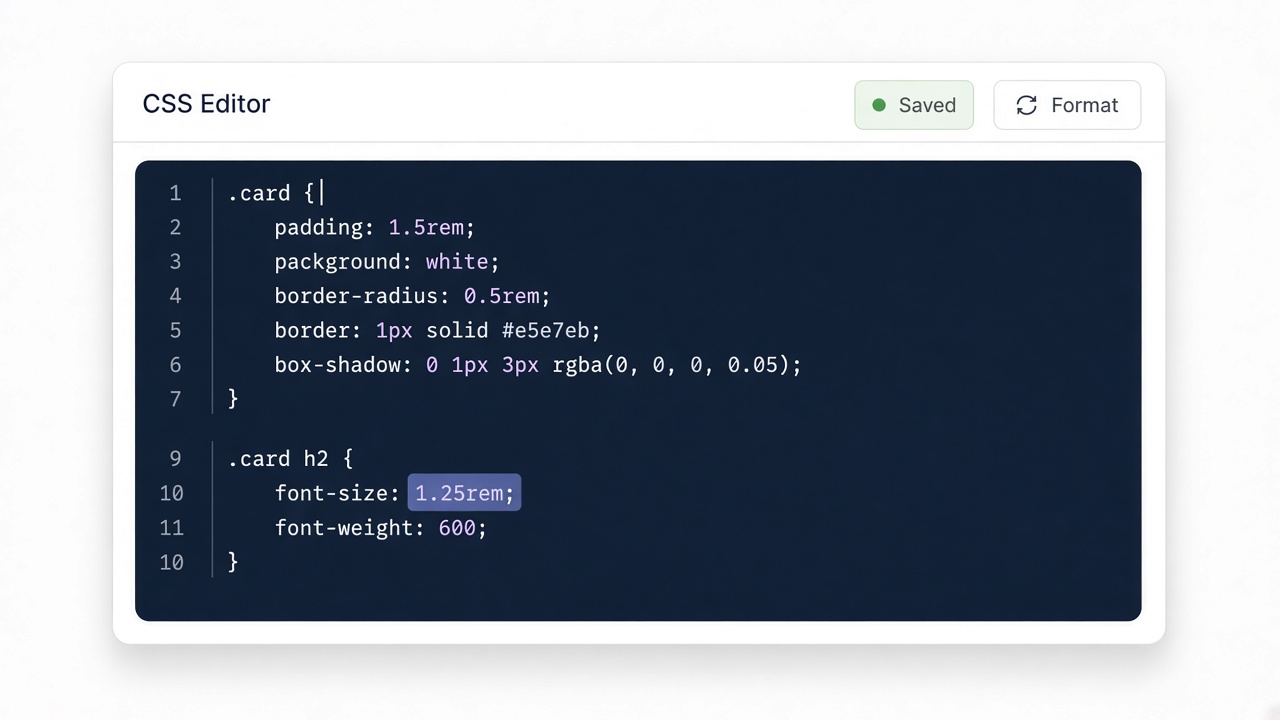
Paste your input
Drop CSS, HTML, JSON, or other text into the editor. Nothing is uploaded.
Beautify HTML.
Four quick steps — paste, run, review, copy. Everything stays in your browser.
Drop CSS, HTML, JSON, or other text into the editor. Nothing is uploaded.

Click Convert or Run. The result appears instantly on this page.

Read the generated code and any review notes before you ship it.

Copy the output to your clipboard and paste it into your project.
Beautify HTML for the same reason as CSS: humans review structure faster with consistent indentation.
Short list shows nesting clearly after beautify.
Input
<ul><li>Paste</li><li>Beautify</li><li>Review</li></ul>Output
<ul>
  <li>Paste</li>
  <li>Beautify</li>
  <li>Review</li>
</ul>Keep a copy of the original if the source was intentionally minified for email clients.