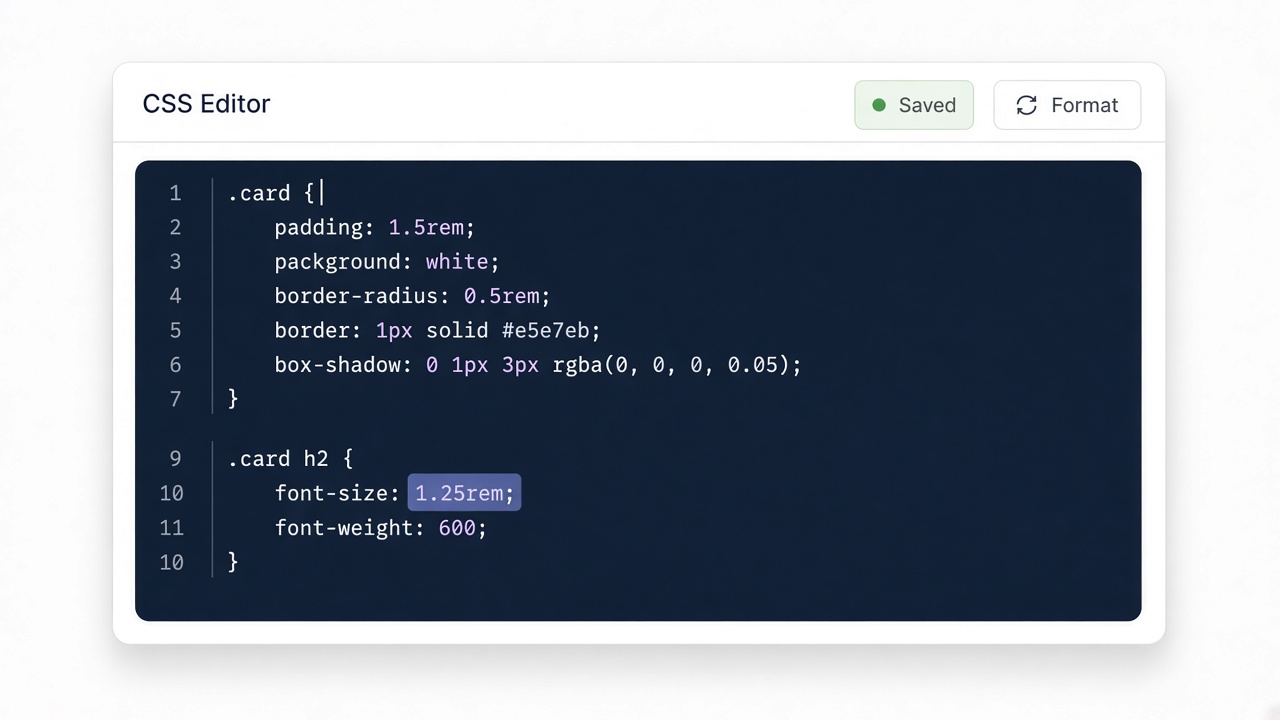
Paste your input
Drop CSS, HTML, JSON, or other text into the editor. Nothing is uploaded.
Beautify CSS for readability.
Four quick steps — paste, run, review, copy. Everything stays in your browser.
Drop CSS, HTML, JSON, or other text into the editor. Nothing is uploaded.

Click Convert or Run. The result appears instantly on this page.

Read the generated code and any review notes before you ship it.

Copy the output to your clipboard and paste it into your project.
Beautify is the same family as format: consistent braces and spacing so humans can scan selectors quickly.
Navbar snippet is intentionally dense so you can see spacing improve.
Input
nav{display:flex;gap:1rem}nav a{color:#0f172a;text-decoration:none}nav a:hover{color:#0284c7}Output
nav {
  display: flex;
  gap: 1rem;
}If two formatters fight in CI, pick one and stick to it — this tool is for ad-hoc cleanup.