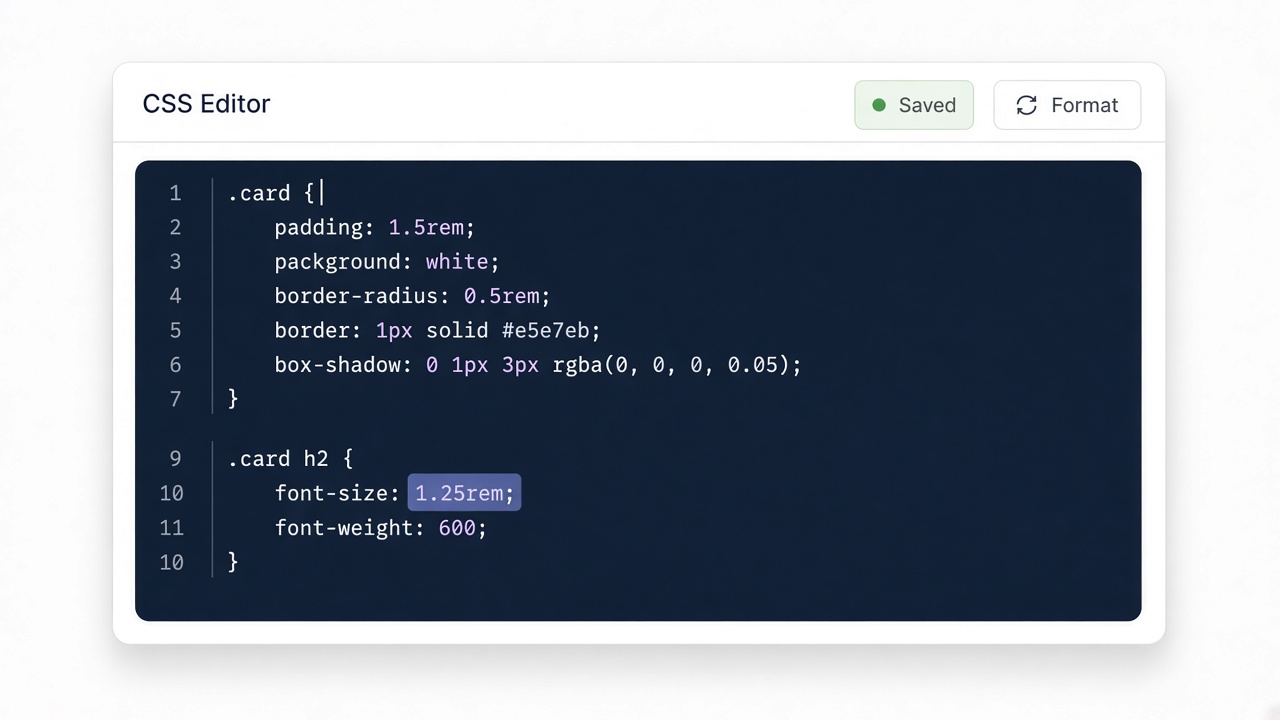
Paste your input
Drop CSS, HTML, JSON, or other text into the editor. Nothing is uploaded.
Minify HTML.
Four quick steps — paste, run, review, copy. Everything stays in your browser.
Drop CSS, HTML, JSON, or other text into the editor. Nothing is uploaded.

Click Convert or Run. The result appears instantly on this page.

Read the generated code and any review notes before you ship it.

Copy the output to your clipboard and paste it into your project.
Remove extra whitespace from HTML for smaller snippets or quick size checks. Prefer build-time minify for full sites.
Formatted card collapses to a single line.
Input
<div class="card">
  <h2>Title</h2>
  <p>Body copy</p>
</div>
Output
<div class="card"><h2>Title</h2><p>Body copy</p></div>Be careful with <pre> and inline JS — whitespace can be meaningful.