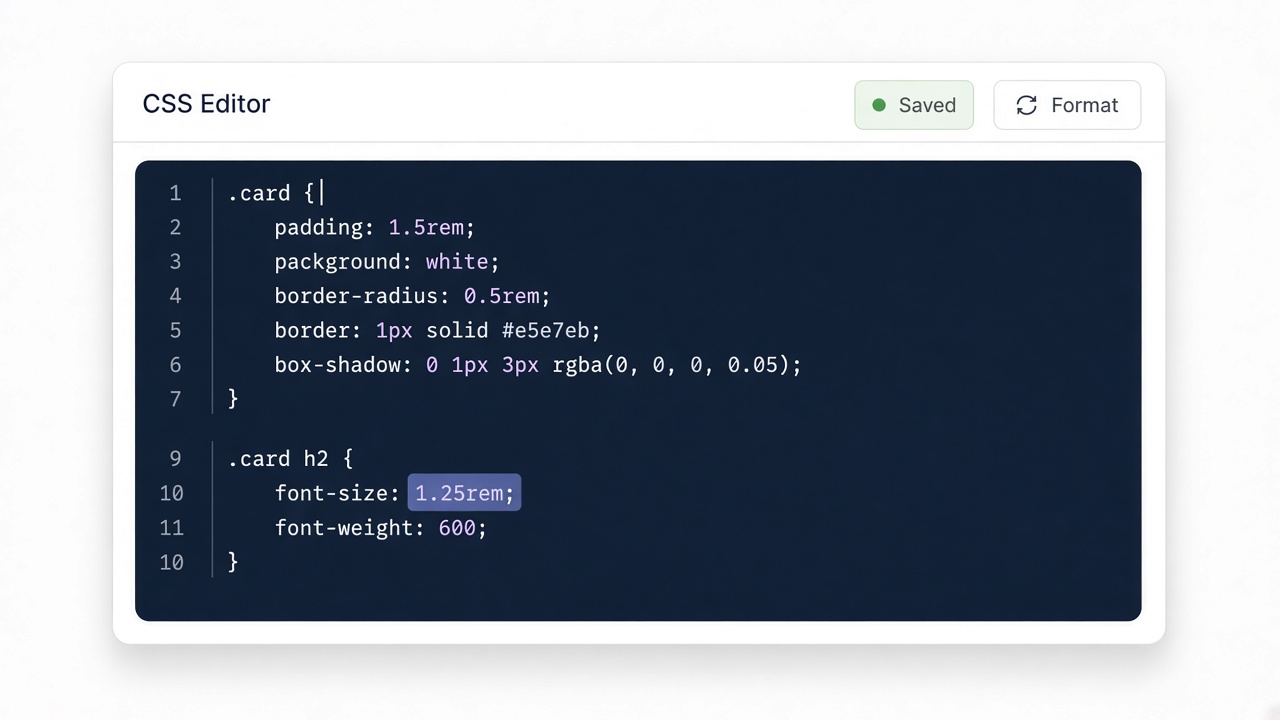
Paste your input
Drop CSS, HTML, JSON, or other text into the editor. Nothing is uploaded.
Pretty-print JSON.
Four quick steps — paste, run, review, copy. Everything stays in your browser.
Drop CSS, HTML, JSON, or other text into the editor. Nothing is uploaded.

Click Convert or Run. The result appears instantly on this page.

Read the generated code and any review notes before you ship it.

Copy the output to your clipboard and paste it into your project.
Pretty-print JSON for readable diffs and config reviews. Invalid JSON returns a parse error instead of silent corruption.
Compact theme config expands with indentation.
Input
{"theme":"dark","spacing":[4,8,16],"flags":{"beta":true}}Output
{
  "theme": "dark",
  "spacing": [4, 8, 16],
  "flags": {
    "beta": true
  }
}Keep production configs validated in CI — this is a local helper.