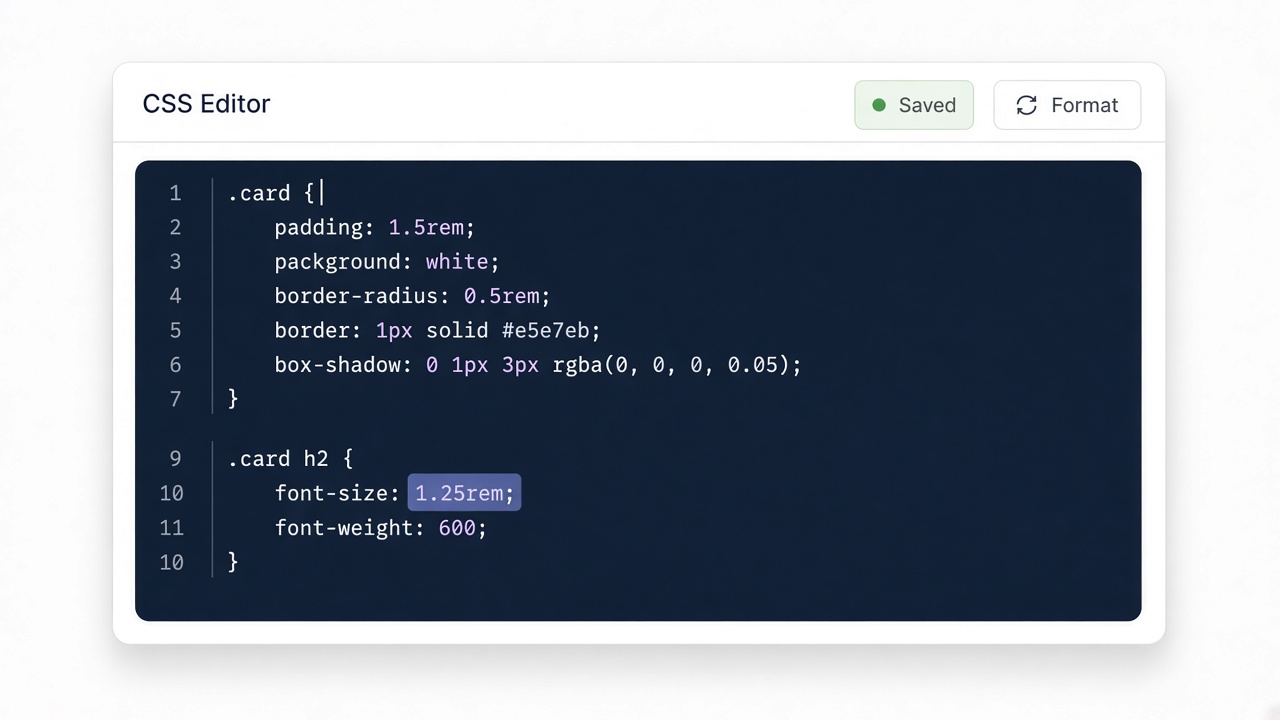
Paste your input
Drop CSS, HTML, JSON, or other text into the editor. Nothing is uploaded.
Lightly indent JavaScript.
Four quick steps — paste, run, review, copy. Everything stays in your browser.
Drop CSS, HTML, JSON, or other text into the editor. Nothing is uploaded.

Click Convert or Run. The result appears instantly on this page.

Read the generated code and any review notes before you ship it.

Copy the output to your clipboard and paste it into your project.
Light indentation for small JavaScript snippets. Not a full Prettier — use your project formatter for real codebases.
Tiny function shows indentation without claiming full AST formatting.
Input
function add(a,b){return a+b;}const x=add(1,2);Output
function add(a,b){
  return a+b;
}For TypeScript/JSX, prefer the project’s Prettier/ESLint pipeline.